craft — putting it together
Nobody tunes one parameter. They build a rig.
The useful unit is not a parameter, it is a set of them that agree. Here are four in this collection, each reused across several images, written out in full.
The other guides here take one parameter at a time, which is how you learn them and not how anyone uses them. In practice a working prompt has a tail — four to seven flags that were settled together and then reused across many different subjects.
Four such tails appear repeatedly in this collection. Reading them whole is worth more than any single-parameter explanation, because each flag is chosen in light of the others.
- 4complete rigs reused across images
- 17of 85 images built from one of them
- 3parameters on a typical image
- 7flags in the largest rig
Rig 1 — the film rig, 7 images
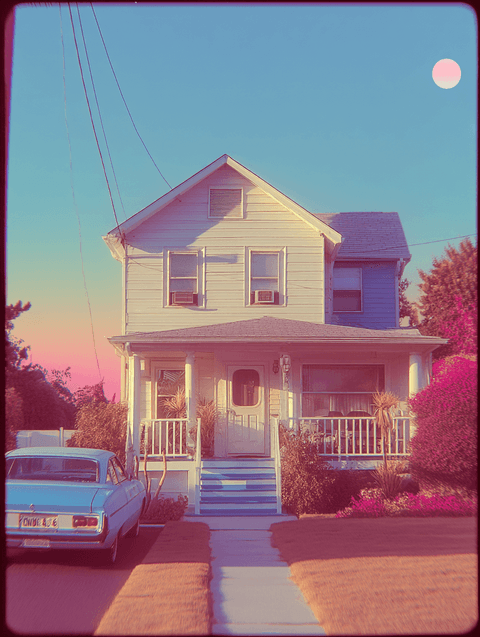
Everyday snapshot, shot on Svema color film --ar 3:2 --v 7 --raw --sref 3808932062 --p n59emtm 72csxc4 --s 50
Seven images share this exact tail. Every flag is saying a version of the same thing: --sref 3808932062 supplies a film-stock look, --s 50 keeps Midjourney's own taste out of the way, --raw removes the beautification layer, --ar 3:2 is the 35mm frame, and a personalisation profile carries the rest.
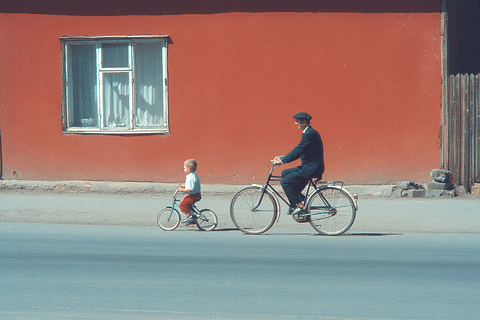
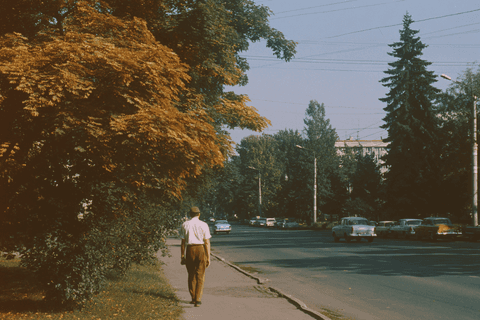
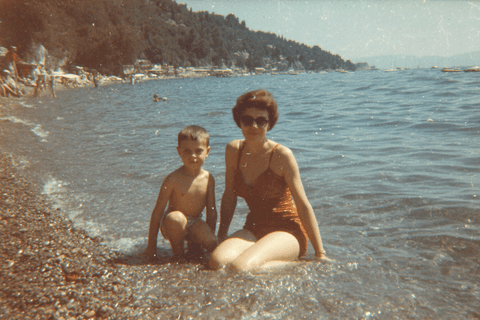
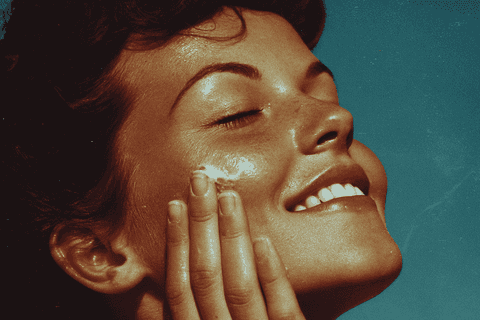
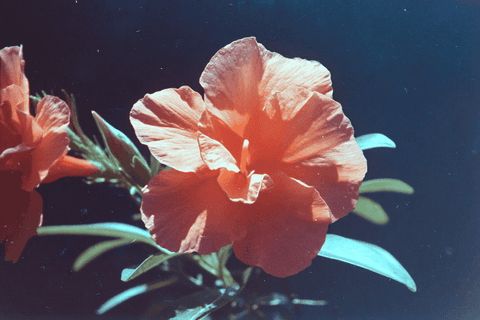
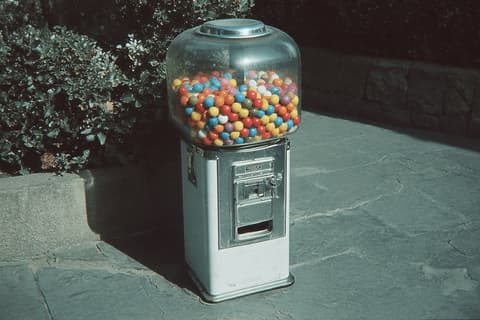
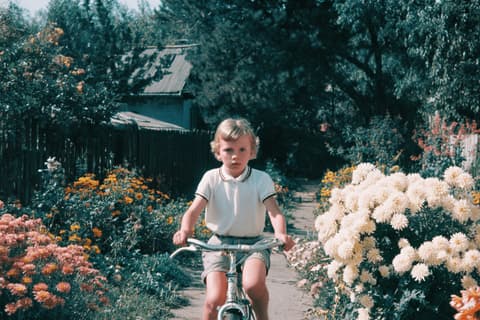
One tail, seven subjects. This is what a rig buys you — the treatment stops being a decision you make per image.
Note that the descriptions attached to these are tiny. "Everyday snapshot, shot on Svema color film" is doing a fraction of the work; the tail is doing the rest. That is the trade the prompt-length guide describes from the other side.
Rig 2 — the sculpture rig, 4 images
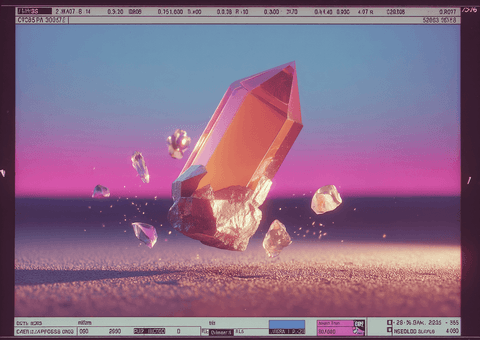
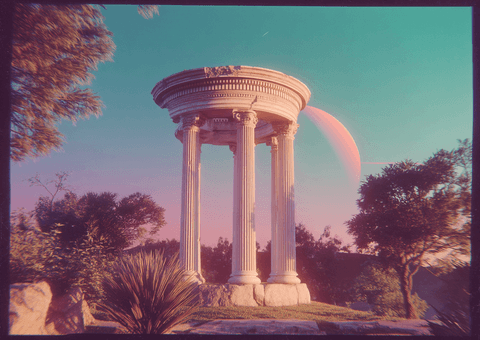
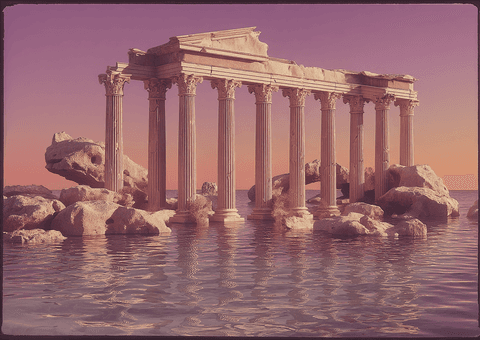
floating 3D sculpture orange color inspired by classical form --ar 7:5 --stylize 250 --chaos 10 --quality 4 --raw --sw 500 --sref 536544871
Seven flags, the longest tail in the collection. Here --sw 500 puts the style code and the description on roughly equal footing, --chaos 10 allows a little variation between runs, and --stylize 250 lets the model contribute finish — the opposite balance to the film rig, and internally consistent in the same way.
Rig 3 — the niji rig, 4 images
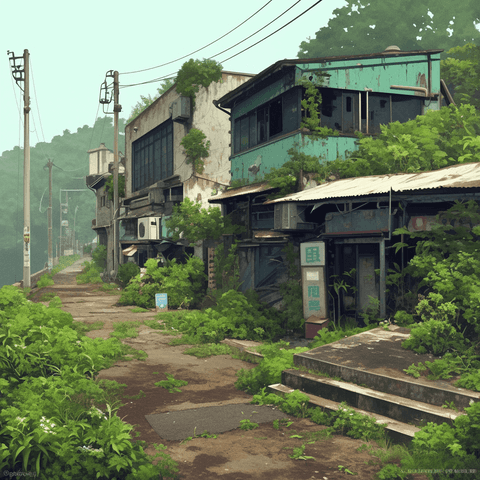
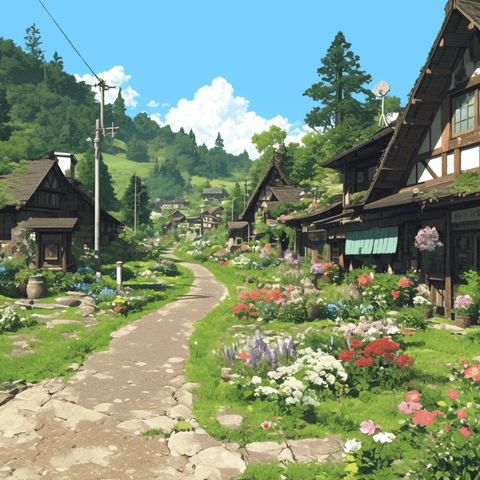
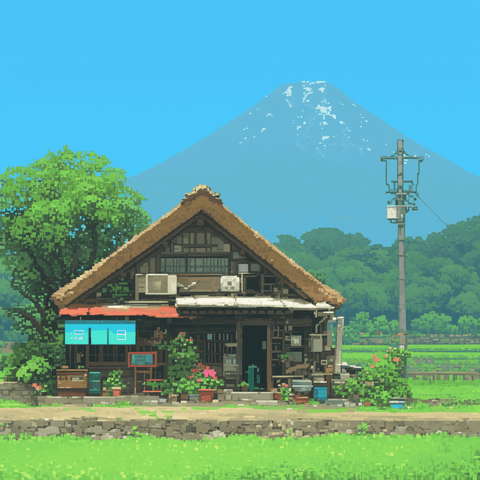
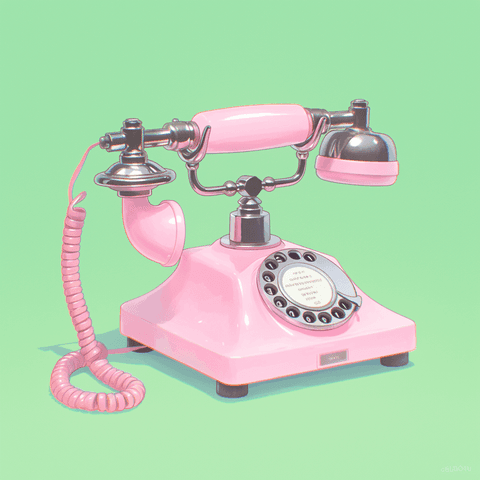
old village --niji 6 --stylize 250 --sw 80 --sref 4114080079 --profile obus7c1
Built on a different model line entirely. Because --niji 6 already has a strong illustration aesthetic, the style code is turned down to --sw 80 — below the default of 100 — so it tints rather than takes over. And there is no --raw, because niji does not accept it.
Rig 4 — the still-life rig, 2 images
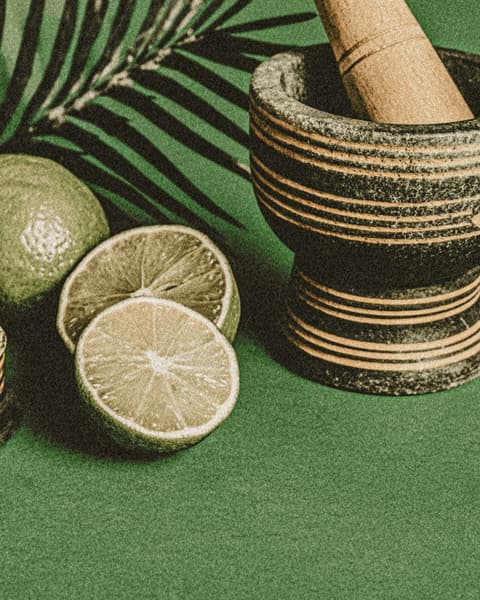
wellness --ar 4:5 --v 7 --raw --sw 1000 --sv 6 --sref 1794055294 --s 400
The extreme case. --sw 1000 is maximum style weight, so the reference decides almost everything — and accordingly the description is the single word wellness. See the style-weight guide for what that dial is doing.
Two of these are literally the same prompt
Worth pausing on. Images 11 and 12 have identical description text and an identical parameter tail. So do 54 and 60. They are the same prompt run more than once.
One prompt, two runs, two different pictures — both kept.
This is the part prompt guides tend to skip. A prompt is not a deterministic function; it is a distribution you sample from. A rig's value is that the distribution is right, not that any one run is. Building one and running it repeatedly is the actual workflow.
The one piece you cannot copy
Three of the four rigs include --profile (or its short form --p). Twenty-four images here use one, across eleven distinct codes, and four of those codes appear more than once.
| Profile code | Images | Paired style code |
|---|---|---|
| n59emtm 72csxc4 | 7 | 3808932062 |
| 29poq4o | 4 | 3683133727 |
| obus7c1 | 4 | 4114080079 |
| kwnx295 | 2 | 1742458012 3361981308 |
Note also that --profile takes multiple values, exactly like --sref — n59emtm 72csxc4 is two profiles blended, not one code.
Building your own
- Start from the reference. Find a
--srefwhose look you want and run it bare, with no description, to see what it is on its own. - Set the balance next.
--swdecides how much of the reference survives;--stylizedecides how much of Midjourney's taste is added on top. These two fight each other, so settle them together. - Then decide whether to remove the gloss.
--rawonly makes sense once something else is supplying the look. - Pin the frame and the model.
--arcomposes the image rather than cropping it, and an unpinned--vmeans the rig expires the next time the default moves. - Write the tail down and stop touching it. Then vary only the subject. That is what all seventeen images above are.
Every rig here is on the page of any image that uses it, in full and copy-ready. Take one whole rather than a flag at a time — that is the point of the whole exercise.